What Is OpenGPT Login and How Do You Sign In Safely?
OpenGPT login is the sign-in step for OpenGPT, a third-party web wrapper that gives you access to AI chat models through one interface. To log in, open the official OpenGPT site, choose an email or social sign-in option, and confirm your account. Use a unique password, turn on two-factor authentication where offered, and never enter your login on a page you reached from an unsolicited link.
This guide covers how the OpenGPT login works, what to do when it fails, and how to protect your account. It also explains where a digital products marketplace fits in if you buy or sell tools like these, since BuyBizz lists software, templates and courses from verified vendors.
Key takeaways
- OpenGPT login is the sign-in step for the OpenGPT service and should always start from the official site.
- Most failed logins come from wrong codes, blocked cookies or browser extensions, and clearing the session often fixes them.
- A unique password and two-factor authentication are the most effective protections for any AI tool account.
- BuyBizz verifies every vendor before a first sale and reviews every product before listing.
- BuyBizz buyers get instant delivery and a typical 30-day refund window, and vendors pay zero listing fees.
How does the OpenGPT login process work?
The OpenGPT login process starts on the official site and uses one of the sign-in methods the service offers. Most users choose email with a one-time code, or a Google account, because both avoid storing a password on a new site. Once you verify, the browser keeps a session cookie so you stay signed in on that device. Sessions usually last until you sign out or clear the site data.
Follow these steps for a clean sign-in:
- Type the address directly into your browser, or use a bookmark you saved yourself.
- Pick the sign-in method you used when you created the account.
- Enter the code or approve the prompt sent to your email or phone.
- Check the address bar for the correct domain before you enter any details.
If you log in on a shared computer, sign out fully when you finish. Closing the tab does not always end the session, so check the account menu for a sign-out option before you walk away.
Why does my OpenGPT login fail?
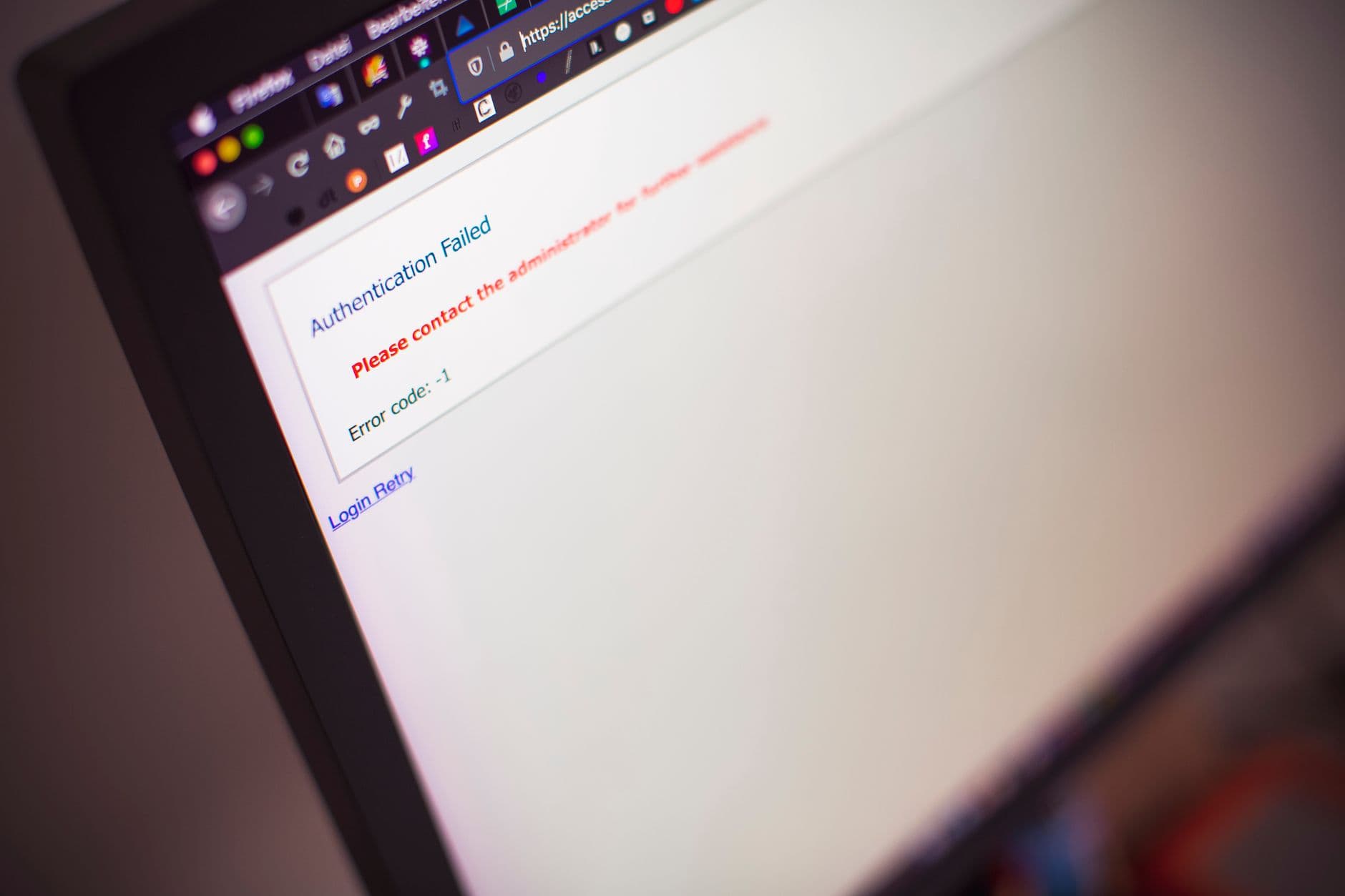
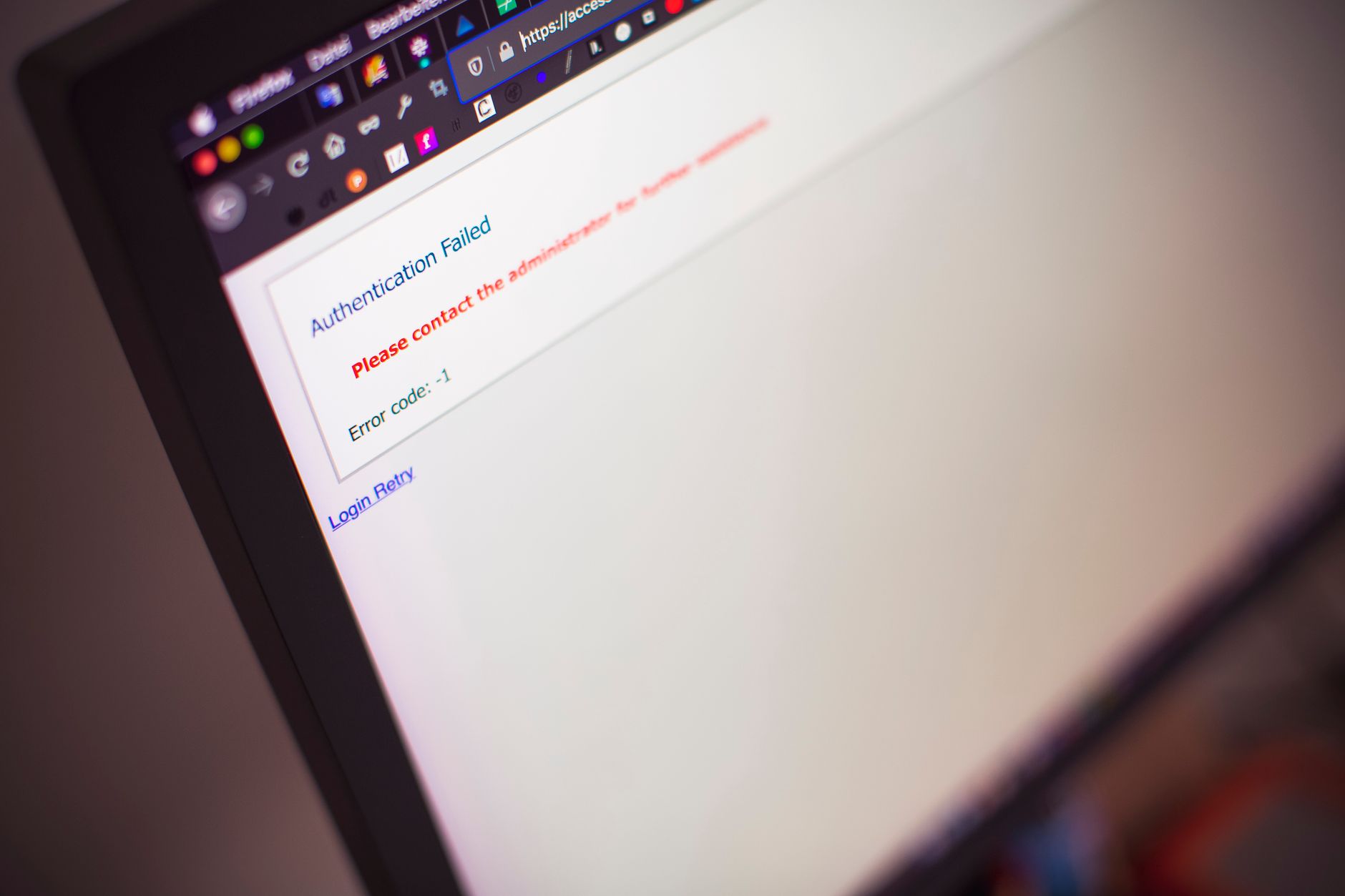
An OpenGPT login usually fails for one of four reasons: a wrong password, an expired one-time code, blocked third-party cookies, or a browser extension that interferes with the page. Start with the simplest fix. Request a new code, then clear the site data for that domain and try again in a private window. In most cases, this takes under two minutes and solves the problem.
Work through the checks in this order:
- Confirm the email address matches the one used at sign-up, including any typos.
- Allow cookies for the site, at least for the session. Many login loops come from blocked cookies.
- Disable ad blockers and VPN extensions for a moment, then re-enable them after you sign in.
- Try a different browser or update your current one. Outdated versions can break newer login scripts.
If none of these work after 15 minutes, contact the service support team with a screenshot of the error and the time you tried. Do not share your password in that message.
How do you keep your OpenGPT account secure?
Keeping an OpenGPT account secure comes down to a unique password, two-factor authentication where available, and a careful habit with phishing. Password managers such as Bitwarden or 1Password generate and store long, random passwords, so you never reuse one across services. A reused password is the most common way accounts get taken over, because one leaked password from another site can open several accounts.
The National Institute of Standards and Technology (NIST) recommends long passwords and checking them against known breach lists, which is a practical habit for any AI tool account. Treat any email that asks you to verify your login urgently as suspect. Check the sender domain, then go to the site by typing its address yourself.
Also review your connected apps and active sessions every few months. If you see a device you do not recognise, sign it out and change your password.
What should you do if your OpenGPT login is compromised?

If your OpenGPT login is compromised, change the password immediately, sign out of all sessions, and check the email linked to the account for forwarding rules you did not set. Then turn on two-factor authentication before you sign in again. Speed matters here, because an attacker with access to your email can reset the password for other accounts too.
Use this short recovery checklist:
- Change the password from a clean device, not the one that may be infected.
- Scan that device with a reputable antivirus or the built-in system scanner.
- Revoke any API keys or third-party app permissions you do not recognise.
- Check your bank and card statements if you saved payment details on the account.
Where do digital product marketplaces like BuyBizz fit in?
Digital product marketplaces such as BuyBizz fit in when you want to buy or sell software, templates, icon packs, sound effects or courses without running your own storefront. A login on a marketplace protects your purchase history, download links and licence records, so the same security habits apply.
BuyBizz is a curated digital products marketplace where every vendor is verified before their first sale and every product is reviewed before listing. Buyers get instant delivery and a typical 30-day refund window. For example, a designer might buy a pack of 143 SVG icons for a one-time price, download it within seconds, and check the commercial licence terms before using it in client work.
Vendors can list with zero listing fees and receive automated payouts through Razorpay, which suits independent creators and small studios in India who want to sell without building a checkout system. Browse the BuyBizz marketplace to see how listings, licences and payouts are presented before you sign up.
How do BuyBizz buyers and vendors get started?
Buyers and vendors on BuyBizz get started by creating an account, verifying their identity, and then either browsing listings or submitting their first product. Verification happens once, before a vendor can make a sale, which keeps the catalogue clean for working developers and designers.
For buyers, the next steps are simple:
- Search by file type, such as "33-point LUTs" or "SVG icons", to find exact matches.
- Read the licence before you pay, especially for commercial use.
- Download the file right after purchase, and keep the receipt for your records.
For vendors, prepare a clear product description with exact counts and formats, such as 143 SVG icons or a 33-point LUT pack, and submit it for review. Once approved, your listing goes live with zero listing fees, and payouts flow through Razorpay.
What does composition English mean for your writing?
Composition English refers to the skill of writing clear, structured English prose, such as essays, reports and personal opinion pieces. If you write for school, work or client projects, the same habits apply: state your main point early, support each claim with a source, and keep sentences short. Many writers use a plain-language check and a plagiarism check before they submit work, since both catch unclear wording and unattributed text.
Good composition follows a simple structure. Open with a direct answer, give three supporting points with one example each, and close with a clear next step. Read the draft aloud once to catch awkward sentences. This approach works for a personal opinion essay as well as a formal report.
Conclusion
OpenGPT login is the sign-in process for the OpenGPT service, and it works best with a unique password, two-factor authentication and a direct visit to the official site. If sign-in fails, clear the session, allow cookies and request a fresh code before you contact support. For secure buying and selling of digital products, BuyBizz offers verified vendors, instant delivery and a 30-day refund window. Create your account today and browse a listing to see the process for yourself.
Frequently asked questions
Is the OpenGPT login free to use?
Signing in to OpenGPT itself is free, but the service may offer paid plans for higher usage limits or premium models. Check the pricing page on the official site before you subscribe, and look for a one-time or monthly option that matches how often you use it.
What should I do if I forgot my OpenGPT login password?
Use the forgot password link on the official sign-in page and follow the reset email. Make sure the email arrives from the service domain, then create a new unique password and enable two-factor authentication if it is offered.
What is composition English, and how can I improve my writing?
Composition English is the skill of writing clear, structured English essays, reports and opinion pieces. Open with a direct answer, support each point with one example, keep sentences short, and run a plagiarism check before you submit your work.
Can someone else access my OpenGPT account if I share a device?
Yes, a shared device can keep you signed in. Always sign out fully before you leave, and clear the browser session if you used a public or shared computer.
Does BuyBizz charge sellers listing fees?
No, BuyBizz charges vendors zero listing fees. Sellers get automated payouts through Razorpay after each sale, which suits independent creators and small studios who want to skip building their own storefront.