Insta Saver Download: How to Save Instagram Reels Safely in 2026
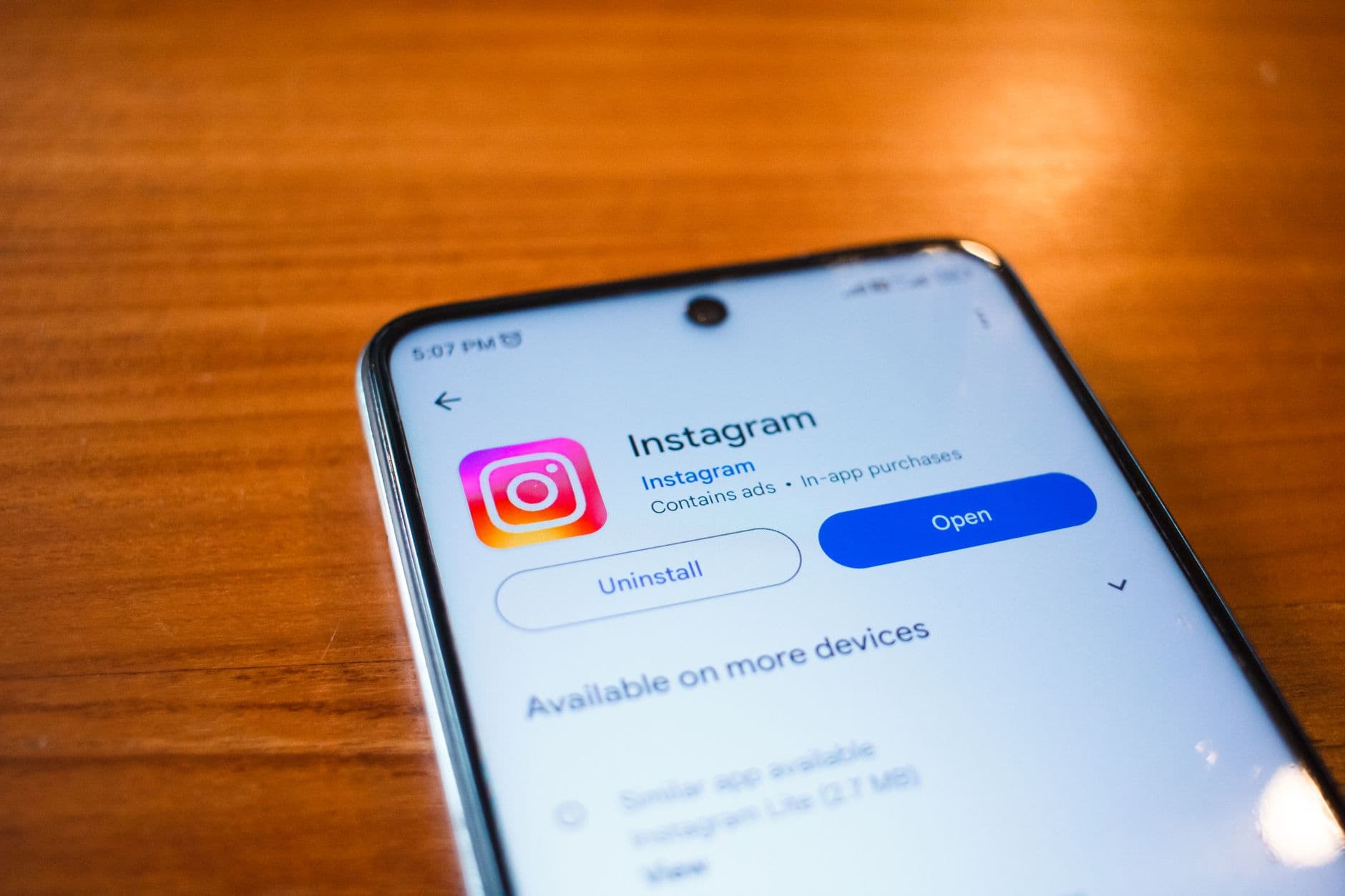
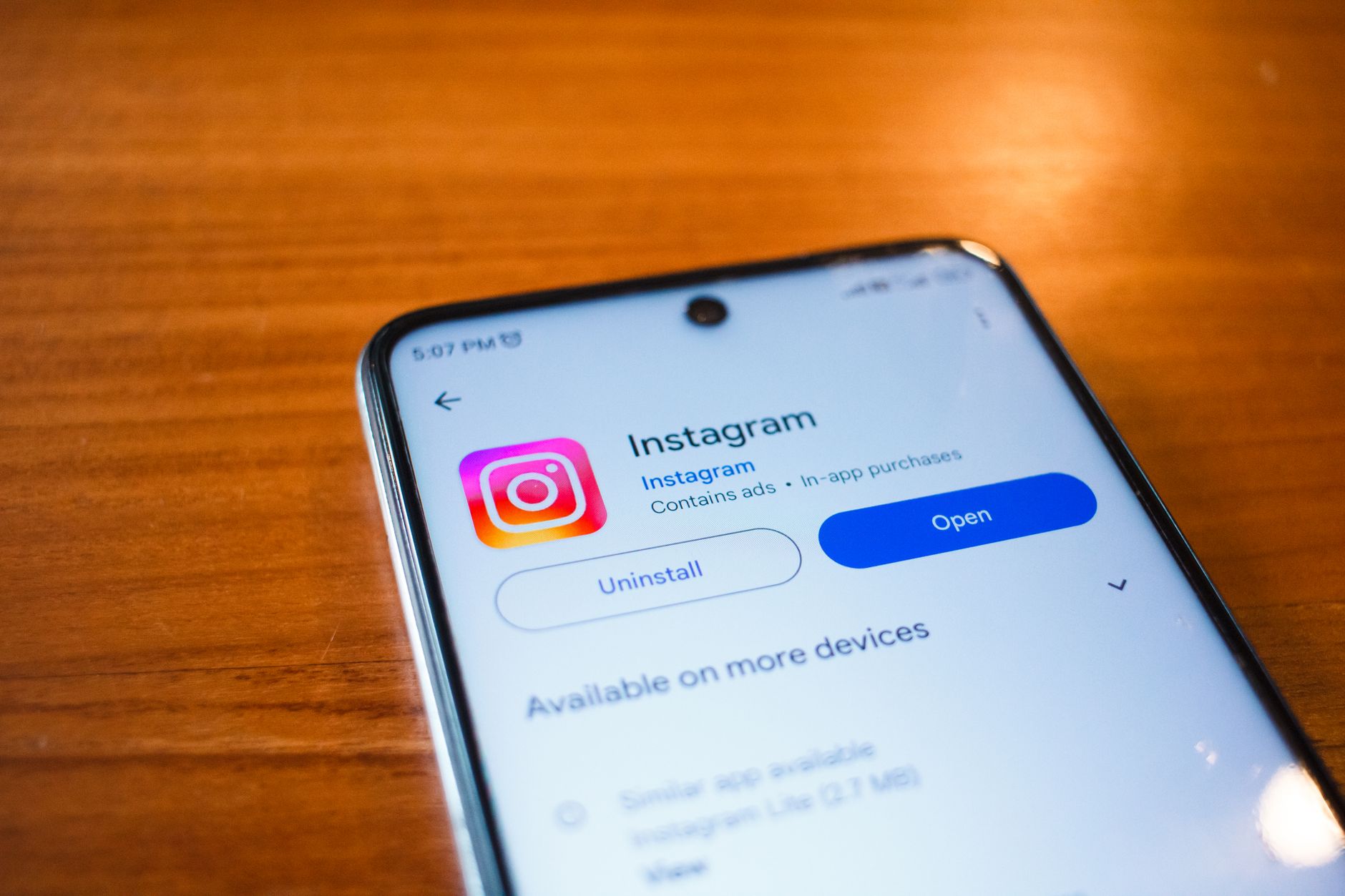
An insta saver download tool is a web service or app that copies a public Instagram video, reel or photo to your device when you paste its link. It works in a browser, needs no account, and offers the file as an MP4 or MP3. Saving a copy is easy, but reusing it in paid or client work can break copyright rules, so the choice of method matters.
This guide explains how these tools work, what they can and cannot do, and when a licensed digital asset is the better choice.
Key takeaways
- An insta saver download tool copies public Instagram video to your device, but saving a file does not grant commercial usage rights.
- Instagram's built-in save feature and creator-approved downloads are the safest options for personal reference.
- Check the source resolution and music rights before you reuse any downloaded reel in client or paid work.
- A licensed template or sound effect pack gives clear commercial terms for a one-time price.
What Is an Insta Saver Download Tool?
An insta saver download tool is a web service that reads a public Instagram post and offers its video file for download. You copy the post link, paste it into the tool, and choose a format. Most tools run in a browser and need no login.
The tool does not change the clip. Quality usually matches what Instagram serves to the app, so a 720p reel stays 720p. Stories expire after 24 hours, so you need to save them quickly.
How Does an Insta Saver Download Tool Work?
The tool reads the public page for a post, finds the direct video file, and offers it as a download. It does not alter the clip, so the output matches the source. Reels are often served in 720p or 1080p, depending on the upload.
Here is a typical workflow:
- Open the reel in Instagram on desktop or mobile and tap the share icon.
- Choose Copy link.
- Paste the link into the downloader field and press the button.
- Select MP4 for video or MP3 if you only need the audio track.
- Save the file and check the resolution before you use it.
Private accounts cannot be read this way. Tools that promise otherwise are often scams.
Is It Legal to Use an Insta Saver Download Tool?
Saving a copy can breach Instagram's Terms of Use and the copyright of the person who made the video. Instagram's terms restrict downloading content unless the platform provides a download option. Copyright law also covers music, footage and edits inside the reel, even when the reel is public.
For personal viewing, many people accept the risk. For business use, it is a poor bet. If you plan to publish a clip in a course, ad or client deliverable, you need a license from the rights holder.
Which Insta Saver Download Method Is Safest?
The safest method avoids third-party sites altogether. Instagram lets you save posts and reels to a collection inside the app. Creators who want their work shared can also enable download in their settings. Both options respect the uploader's choice.
Third-party sites carry real risks. Many show pop-up ads, redirects or fake download buttons that push unwanted software. Before you use any tool, confirm it runs over HTTPS, avoids installer files, and never asks for your Instagram password. A tool that asks for a login is a clear warning sign.
What Is the Difference Between Saving a Reel and Buying a Licensed Asset?
Saving a reel gives you a file with no usage rights attached. A licensed asset comes with a written license that says where and how you can use it. For a designer or marketer, that difference decides whether a project is safe to publish.
Consider a short motion graphic for a product page. A saved reel may include a copyrighted track, a recognisable face, or a brand logo, and you cannot clear those rights yourself. A licensed template or sound effect costs a fixed amount and states its terms. On BuyBizz, many listings are one-time purchases, so you pay once and keep the commercial license for the stated use.
How Can You Pick the Right Format and Quality?
Choose the format by the job, not by habit. MP4 suits video editing and playback. MP3 suits audio you plan to transcribe or review. For sharp output, check the source resolution first. A 480p reel saved as 1080p will not look sharper.
A practical rule: if the file will go into a client deliverable, record the source URL, the date and the license status in a spreadsheet. This takes two minutes and saves hours if a client asks where a clip came from.
How Do You Check the Source and Rights of a Downloaded Clip?
Start by confirming who owns the content. Look for a creator credit, a music attribution line, and any branded assets. Then check whether the audio came from Instagram's licensed music library, which limits commercial use. Reels built on third-party tracks usually carry a warning about commercial rights.
If the rights are unclear, replace the clip. Buy a licensed stock video, a sound effect pack, or a template from a verified vendor. BuyBizz lists products with a clear license and a typical 30-day refund window, so you can test the file before you rely on it in a project.
Which Alternatives Should Creators and Teams Consider?
Here is a quick comparison of common options:
- Instagram's built-in save or collection feature: free, safe, and nothing is stored outside the app.
- Creator-enabled download: lets you save with permission, often with credit requirements.
- Licensed stock or template packs: one-time purchase, clear commercial rights, instant delivery.
- Third-party downloaders: convenient but carry legal and security risks.
For India-based creators and small studios, selling your own licensed work matters as much as buying. Sellers on BuyBizz pay zero listing fees and receive automated Razorpay payouts. You can earn from your own packs instead of depending on clips you do not own.
How Do Teachers Check for ChatGPT Use in Student Work?
Teachers usually combine several checks rather than trusting one tool. They compare a new essay against earlier writing, ask the student to explain the argument in person, and run suspect text through an AI detector alongside a plagiarism checker. No detector is fully accurate, so results work best as a prompt for a conversation.
Conclusion
An insta saver download tool copies public Instagram video, but it does not give you the right to reuse that content commercially. For personal reference, the built-in save feature or a creator-approved download is the safest route. For paid or client work, buy a licensed asset with clear terms. Start by checking the rights on your next clip, then browse licensed templates, icon packs or sound effects on BuyBizz for a one-time price with a 30-day refund window.
Frequently asked questions
Is an insta saver download tool free to use?
Most insta saver download tools are free in a browser, but many earn money from ads or redirects. Free tools can carry security risks, so confirm the site uses HTTPS and never enter your Instagram password on it.
Can I use a downloaded Instagram reel in a client project?
Usually not without permission. A reel can include copyrighted music, footage or brand logos, and you cannot clear those rights yourself. Buy a licensed asset or get written permission from the creator first.
How do teachers check for ChatGPT use in student work?
Teachers often compare new writing against past work, ask students to explain their argument, and run suspect text through an AI detector and a plagiarism checker. No detector is fully accurate, so use results to start a conversation.
Why does a downloaded reel look blurry?
Quality depends on the source upload. If the original reel is 480p, saving it as 1080p adds no detail. Check the resolution before you download, and choose a licensed file that meets your needs.
Does BuyBizz offer refunds on digital products?
BuyBizz offers a typical 30-day refund window on digital products. Files deliver instantly, so check the license terms and preview the listing before you buy, especially for one-time purchases.